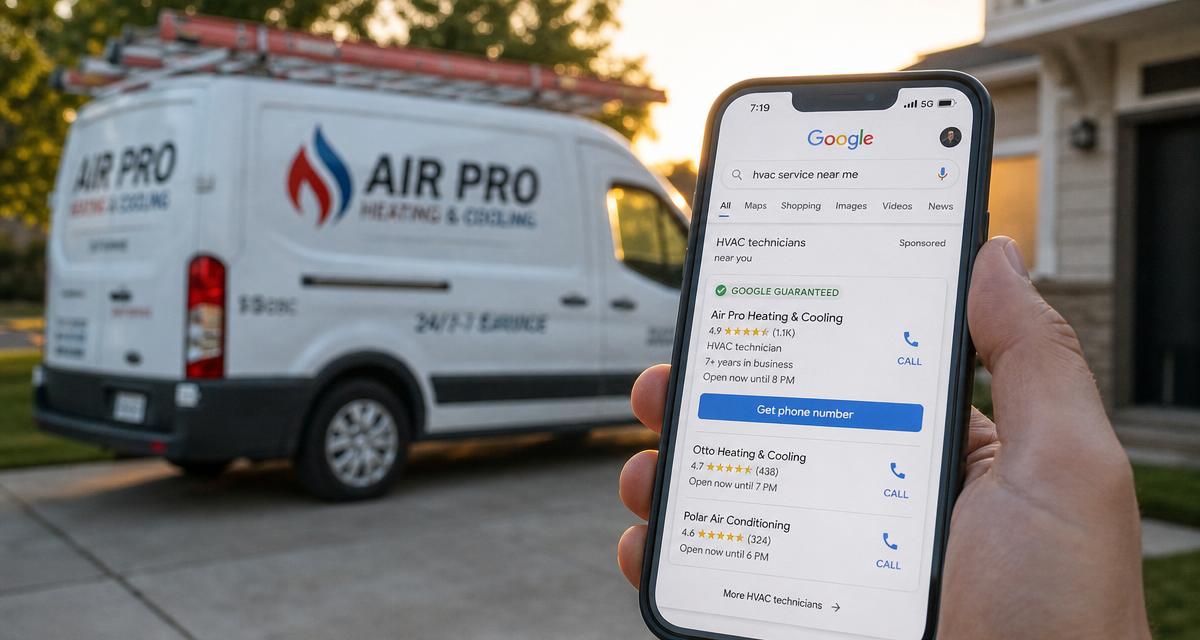
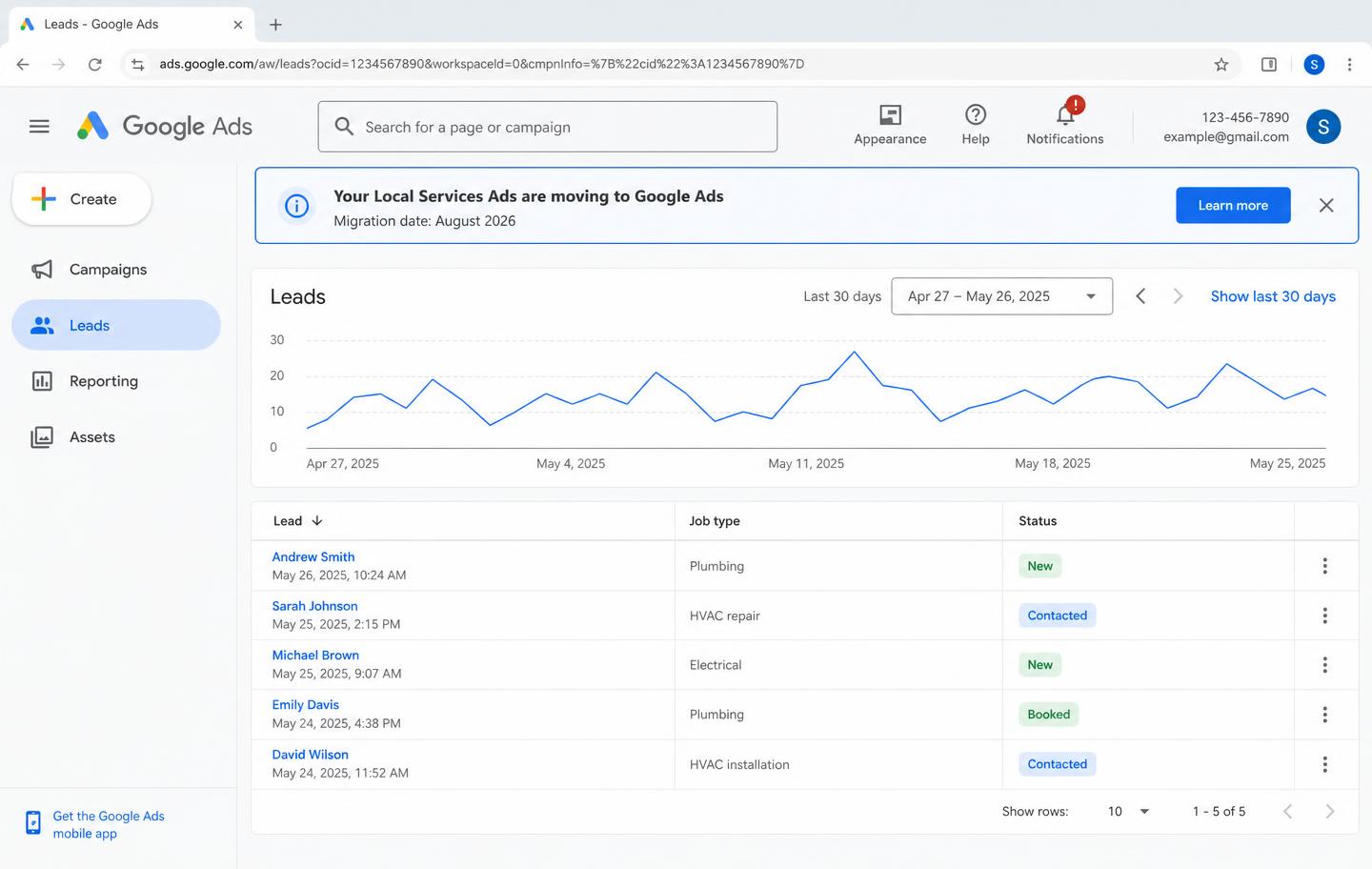
Google is shutting down the separate Local Services Ads dashboard. Your LSA account is moving into regular Google Ads. It starts in August 2026 for HVAC and other home service companies in the U.S.
A lot of marketers are going to use this change to scare you. They want you to panic and sign a contract. Don't.
Most of this change is a dashboard move, not the end of your leads. But there are a few things that can cost you real money if you ignore them. Let's walk through it plain and simple.
What is NOT changing
Take a breath. These things stay the same:
- You still pay per lead. Not per click. A valid call, message, or booking is what costs you money. Same as now.
- Your ads show up in the same spots. Top of Google Search and on Google Maps. Nothing moves.
- No keywords. Your ads still run off your service categories and service areas, not keyword lists.
- Your Google Verified badge carries over. No new background checks. No re-uploading your license and insurance.
So when someone tells you "LSA is dead, you need our new program," they are selling fear. The product is fine. The dashboard is what's dying.
What IS changing
- One dashboard. Everything moves into Google Ads. Your LSA login will just redirect you there after your migration day.
- Weekly spend caps become daily spend caps. Google divides your weekly spend by 7. Your monthly spend is capped at that daily number times 30.4. Some days Google will spend more, some days less. The month is what's capped, not the day.
- One bid target for everything. This is the big one. Keep reading.
- Your old reports disappear. This is the urgent one. Keep reading.
- BBB callouts go away. Google wants you to pick at least 6 other callouts instead, like your hours, specialties, or payment types.
The clock is ticking on one thing: your reports
Your lead history transfers. Your old calls, messages, and recordings all come with you.
Your performance reports do not. Your spend history, your cost per lead over time, your seasonal patterns. All of it. Once your account migrates, that data is gone and you cannot get it back.
Do this today
Log into your LSA dashboard and download your reports. All of them. Every date range you can pull.
Save them somewhere safe. That history is how you'll know if the new system is actually working for you or quietly costing you more per lead.
Without it, you're flying blind and you'll have to take Google's word for it.
Google will email your account admin 14 days before your migration date. Do not wait for that email. Some accounts move in August. Export now.
The blended bid problem, and the fix
Under the old system, you could bid one price for repair leads and a different price for replacement leads. That's over. Google Ads uses one Target CPA for your whole campaign.
Here's why that matters. Say you're happy paying $200 for a lead that turns into a $12,000 changeout, but only $50 for a lead that turns into a $150 capacitor swap.
Blend those together and the machine just chases whatever leads hit the average number. Low-dollar, easy repair leads are the fastest way for it to do that. Your lead count can look great while your big-ticket install calls dry up.
The fix comes straight from Google: run separate campaigns. If you want different bidding for different types of work, split them into their own campaigns at g.co/localservices. One campaign for service and repair.
One for installs and replacements, if your categories support the split. Separate campaigns means separate targets, which puts the control back in your hands.
If you do nothing, Google blends everything for you on migration day. So decide before your date, not after.
Do not touch your Google Business Profile during migration
This is the trap nobody is talking about. After the move, your business name, address, and hours sync one way, from your Google Business Profile into Google Ads.
If you make a big change to your business name or your address, Google runs a verification review. That review takes 24 to 48 hours, and your campaign can pause while it happens.
Two days of paused ads during a July heat wave is real money.
If you're planning a rebrand, a new office, or any big profile change, do it well before your migration date or wait until after things settle. Not during.
Expect two bumpy weeks
Google says to allow up to two weeks after migration for your campaign to ramp back up to normal. Lead flow may wobble. That's the machine relearning.
Don't panic-change your spend or your targets in week one. Give it the two weeks, then compare against the reports you exported. You did export them, right?
Where to find your leads after the move
Your lead inbox moves into Google Ads. Here's the real path, because there's some wrong info floating around out there:
- 1Log into Google Ads.
- 2Open the Goals dropdown.
- 3Click Conversions.
- 4Click Leads.
That's your new lead inbox. Same features as before. You can see which leads you were charged for, mark bad leads with the feedback form, reply to messages, and download everything to your CRM.
Keep disputing junk leads, wrong numbers, and telemarketers just like you do now, and do it fast. Every bad lead you dispute protects your wallet and teaches the system what a real lead looks like for your business.
Where this is all heading
This move didn't come out of nowhere. Google merged LSA booking into Business Profiles in 2024. It moved LSA reviews into Business Profiles in 2025.
It killed Call-Only Ads in early 2026. Now the LSA dashboard itself is gone.
The pattern is clear. Google is putting everything under one roof and handing more of the steering wheel to the machine. Fewer manual knobs for you to turn. More trust required in the algorithm.
The rollout continues in phases. First wave of U.S. home service companies in August 2026. More groups later in 2026. Everyone else, including non-U.S. accounts, in 2027.
Here's what that means for you long term. The levers you still control are the ones that matter more than ever: a clean, complete Google Business Profile. A steady flow of real reviews. Answering the phone when it rings.
The machine decides who wins the auction, but your profile and your reviews are what feed the machine. Contractors who keep those sharp will do fine. Contractors who ignored their profile for years are the ones who should be nervous.
Your checklist
Your checklist
- Export every LSA report today. Before your migration email, not after.
- Decide if you want separate campaigns for repair work vs. install work. Set them up at g.co/localservices before your date.
- Freeze big Google Business Profile changes around your migration window.
- Learn the new lead path: Goals, then Conversions, then Leads.
- Give it two weeks after migration before you judge it or change anything.
- Compare your new cost per lead against your exported history. That's your proof, not Google's dashboard.
The contractors who get burned by this change won't get burned by Google. They'll get burned by doing nothing, or by paying someone who scared them into a bad contract. Do these six things and you're ahead of 90% of your competition.
Paid leads get more automated every year. The part Google can't automate is how strong your profile, your reviews, and your website are, and that's exactly the work we do for HVAC contractors. If you'd rather not manage this alone, that page shows how we handle it and what it costs. No sales call required to see the pricing.